Choosing the right cryptocurrency wallet isn’t about picking the most popular one-it’s about matching your needs to the right tool. If you’re holding a few hundred dollars in Bitcoin, you don’t need the same setup as someone storing $50,000 in Ethereum, NFTs, and Solana tokens. The best wallet for you depends on how much you value security versus convenience, what coins you own, and how often you trade or use DeFi apps.
Security First? Go for a Hardware Wallet
If your crypto holdings matter to you, a hardware wallet is the gold standard. These are physical devices-like a USB drive-that store your private keys offline. No internet connection means no remote hacking. In 2026, two names dominate: Ledger Nano X and Trezor Model T.
The Ledger Nano X costs $149 and supports over 5,500 cryptocurrencies. It’s got Bluetooth for mobile pairing, a built-in screen to confirm transactions, and supports staking for more than 30 coins. Its biggest downside? Bluetooth opens a small attack surface, and you must use the Ledger Live app to manage it. Still, for most people, it’s the easiest way to keep large amounts safe.
The Trezor Model T, priced at $219, takes security further. It’s fully open-source-meaning anyone can inspect its code. It has a touchscreen so you can verify transactions without typing anything on your phone or computer (preventing keyloggers). It also supports Shamir Backup, which splits your recovery phrase into three parts. You only need two to restore your wallet. No Bluetooth. No app dependency. If you’re paranoid about privacy or want total control, this is the wallet.
Both are nearly impossible to hack remotely. The only real threat? Losing your recovery phrase. Write it down. Store it in a fireproof safe. Never take a photo of it.
Want Convenience? Try a Mobile Wallet
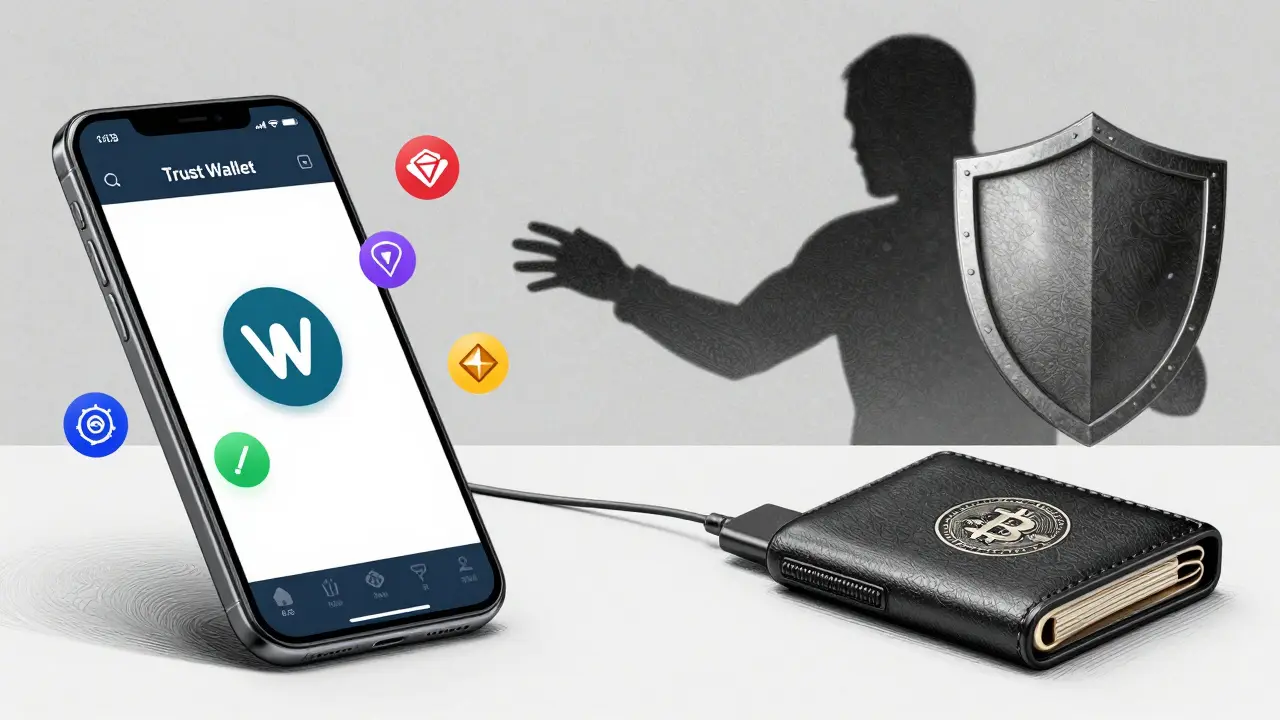
If you’re trading daily, swapping tokens, or using DeFi apps, a mobile wallet makes life easier. The top pick in 2026 is Trust Wallet. It’s free, works on iOS and Android, supports over 100 blockchains and 10 million tokens, and even lets you swap coins inside the app. It also handles NFTs well-you can view, send, and receive them without leaving the app.
Another strong contender is MetaMask. It’s the go-to wallet for Web3. If you’re interacting with Uniswap, OpenSea, or any Ethereum-based dApp, MetaMask connects instantly. It’s not as polished on mobile as Trust Wallet, but it’s the most compatible wallet out there. Pair it with a hardware wallet for the best of both worlds: easy access with backup security.
For Solana users, Phantom Wallet is unbeatable. It’s built for Solana’s speed and low fees. It includes built-in staking, NFT galleries, and scam detection that alerts you before you send funds to a known malicious address. Just know: it’s not fully open-source, and swap fees are steep.
Best Overall? Exodus for Diverse Portfolios
If you hold Bitcoin, Ethereum, Solana, Polygon, and a dozen other tokens, Exodus is your best bet. It supports 50+ blockchains, lets you swap between assets without leaving the app, and integrates with Trezor hardware wallets. It works on Windows, Mac, Linux, Android, and iOS. Its CertiK security score is 85.87-an A rating. No other wallet matches its cross-platform consistency.
Its only flaws? You can’t adjust transaction fees manually, and it hasn’t been audited by a third party. But for most users, the convenience outweighs these risks-especially if you’re not storing life savings in it.
Beginner-Friendly? Zengo and Coinbase Wallet
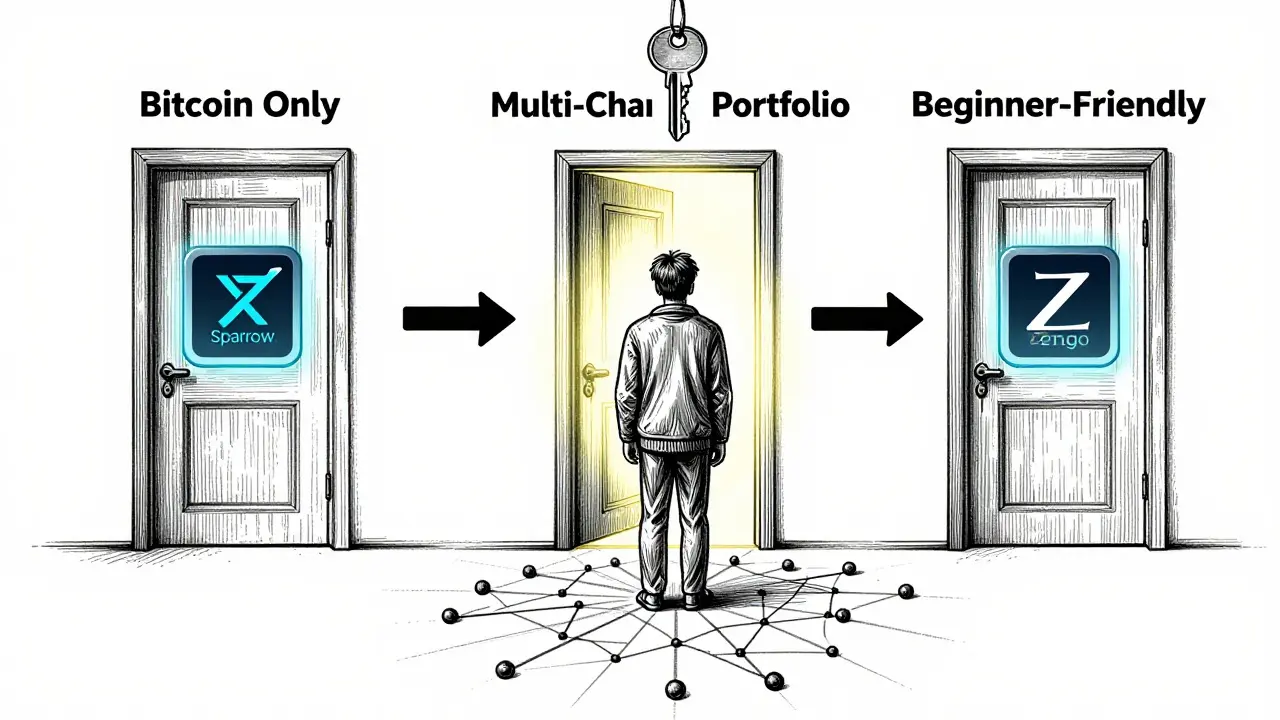
If you’ve never used crypto before, seed phrases and private keys sound like sci-fi. That’s where Zengo shines. It doesn’t use seed phrases at all. Instead, it uses multi-party computation (MPC) to secure your funds. You log in with a password and biometrics. Setup takes under a minute. It’s got 24/7 live support, which is rare in crypto. It’s not perfect-it supports fewer blockchains and charges high fees on swaps-but for someone just starting out, it removes the biggest fear: losing access forever.
Coinbase Wallet is another solid choice for beginners. It’s clean, simple, and tied to the Coinbase exchange. If you buy crypto on Coinbase, sending it to this wallet is one tap away. It also gives you a username (like @yourname.wallet) instead of a long address, so friends can send you crypto without copy-pasting 42 characters.
Bitcoin-Only Holders? Sparrow, Phoenix, Electrum
If you only care about Bitcoin, you need tools built for Bitcoin-not just generic crypto wallets. Sparrow Wallet gives you full control over transaction fees. You can choose between public servers, private nodes, or even connect to Bitcoin Core. It includes a built-in blockchain explorer and supports the Lightning Network for instant, near-free payments.
Phoenix Wallet is the easiest mobile option for Bitcoin. It automatically converts your on-chain balance into a Lightning channel. No setup. Just fund it, and you’re ready to send and receive Bitcoin instantly. It’s perfect for daily use.
Electrum is the classic desktop wallet. It’s been around since 2011, is lightweight, and works with most hardware wallets. If you want a no-frills, reliable Bitcoin wallet, this is it.
What to Avoid
Don’t store large amounts in exchange wallets like Binance or Coinbase. Those aren’t wallets-they’re custodial accounts. The exchange owns the keys. If they get hacked, go bankrupt, or freeze accounts, you lose access.
Avoid wallets that don’t offer a recovery phrase. If a wallet says "we backup your keys for you," walk away. That’s not self-custody. That’s trusting someone else with your money.
Don’t pick a wallet just because it’s popular. A wallet with 10 million users isn’t safer than one with 100,000 if it lacks transparency, audits, or proper security design.
Quick Decision Guide
- Storing over $10,000 long-term? → Ledger Nano X or Trezor Model T
- Trading daily or using DeFi? → MetaMask + hardware backup
- Using Solana? → Phantom Wallet
- Just starting out? → Zengo or Coinbase Wallet
- Holding Bitcoin only? → Sparrow (desktop) or Phoenix (mobile)
- Holding many different coins? → Exodus
- Want maximum convenience on mobile? → Trust Wallet
Final Tip: Test Before You Commit
Before moving your life savings into any wallet, send a small amount first-$5 worth of ETH or BTC. Test sending, receiving, and restoring from backup. If the process feels confusing or broken, try another wallet. Crypto is too important to guess.
The best wallet isn’t the one with the fanciest features. It’s the one you’ll actually use correctly-and keep safe.
What’s the safest cryptocurrency wallet in 2026?
The safest wallets are hardware wallets like the Ledger Nano X and Trezor Model T. They store private keys offline, making them immune to remote hacking. Both use PIN protection, recovery phrases, and secure elements certified to military-grade standards. For maximum security, pair them with strong physical backup of your recovery phrase.
Is a mobile wallet safe for large holdings?
No. Mobile wallets are "hot" wallets-they’re always connected to the internet. That makes them vulnerable to malware, phishing, and app exploits. Even the best mobile wallets like Trust Wallet or MetaMask aren’t designed for storing large sums. Use them only for small, active balances. Keep major holdings in hardware wallets.
Do I need a wallet for Bitcoin only?
You don’t *need* a Bitcoin-specific wallet, but you’ll get better performance. Wallets like Sparrow and Phoenix are optimized for Bitcoin’s network-faster syncing, lower fees, and Lightning Network support. Generic wallets can work, but they’re not built for Bitcoin’s unique needs.
What’s the difference between a hardware wallet and a software wallet?
Hardware wallets are physical devices that keep your private keys offline. Software wallets run on phones, computers, or browsers and store keys online. Hardware wallets are far more secure but less convenient. Software wallets are easy to use but carry higher risk. Many users combine both: use a hardware wallet for savings and a software wallet for daily spending.
Can I use one wallet for all my crypto?
Yes, but not all wallets support everything. Exodus and Trust Wallet support 50+ and 100+ blockchains respectively, making them the most versatile. Ledger Nano X supports over 5,500 tokens. If you hold niche coins or newer chains, check compatibility first. Some wallets, like Phantom, are built for one ecosystem (Solana) and won’t handle Bitcoin or Ethereum well.
Are free wallets trustworthy?
Yes, if they’re open-source and audited. Trust Wallet, MetaMask, and Electrum are free and widely trusted. Paid wallets like Ledger and Trezor charge for hardware, not software. Be wary of wallets that charge high swap fees or require personal data. If a wallet makes money from trading fees, it may prioritize profit over your security.
What happens if I lose my hardware wallet?
If you have your 12- or 24-word recovery phrase, you can restore your wallet on any compatible device. The wallet itself is just a tool. Your funds are stored on the blockchain, not the device. Without the recovery phrase, you lose access forever. That’s why backing it up securely is more important than the wallet itself.