
You just finished shooting a stunning luxury home. The lighting is perfect, the angles are sharp, and you're ready to upload the images to the Multiple Listing Service (MLS). But before you hit that 'publish' button, there is an invisible layer of data attached to every single JPEG that could compromise your client's safety.
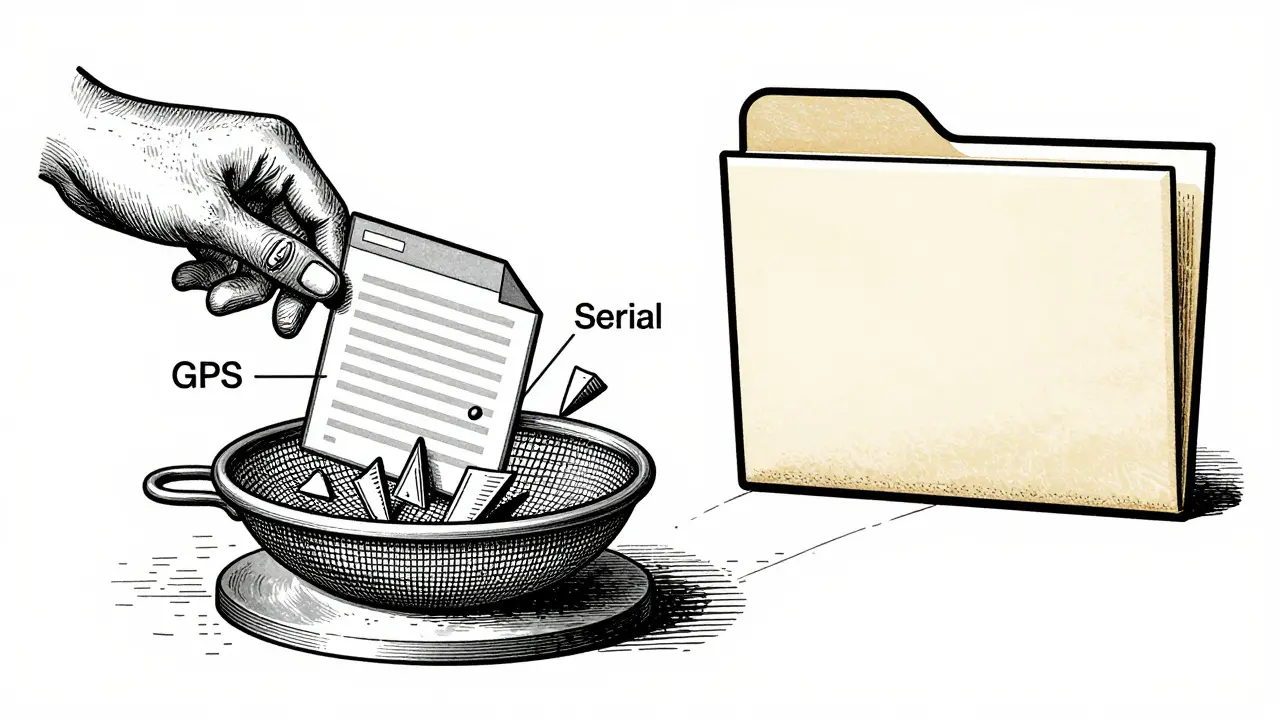
That data is GPS metadata. Embedded deep inside the file structure of your photos are precise latitude and longitude coordinates, camera serial numbers, and exact timestamps. While this information helps photographers organize their archives, it acts as a digital breadcrumb trail for anyone who knows how to look. For real estate professionals, leaving this data intact isn't just bad practice-it's a significant liability.
The Hidden Risk in Your Listing Photos
When you take a photo with a modern smartphone or a connected DSLR, the device records where you were standing at that exact moment. This Exchangeable Image File Format (EXIF) data includes:
- GPS Coordinates: Precise latitude and longitude that pinpoint the property address.
- Camera Serial Number: A unique identifier that can link the photo back to your specific equipment.
- Timestamps: Exact dates and times of capture, revealing when the house was empty or occupied.
- Software Tags: Details about editing software like Lightroom or Photoshop used during post-processing.
Social media platforms like Instagram and Facebook automatically strip this data when users upload images. However, MLS systems, brokerage websites, and email attachments do not. When you send a high-resolution listing photo via Dropbox, Slack, or direct email, the recipient receives the original file with all embedded metadata intact. A malicious actor could download these images, extract the coordinates, and identify the location of high-value properties, potentially targeting them for theft or burglary.
Why MLS Systems Don't Clean Your Files
Many agents assume that uploading photos to an MLS portal automatically sanitizes them. Unfortunately, most listing services prioritize image quality over privacy scrubbing. They store files as-is to ensure they remain print-ready and high-definition for brochures and signage. Because these platforms treat uploads as file transfers rather than social media posts, the burden of removing sensitive data falls entirely on the photographer or agent.
This creates a critical gap in the workflow. If you deliver raw exports from your editing software without stripping metadata first, you are effectively handing out a map to your client's home along with the keys. Protecting seller privacy requires a deliberate step in your post-production process to clear this hidden information before any file leaves your control.

Methods for Stripping Metadata from Images
Cleaning your photos doesn't have to be complicated. You have several options depending on your operating system, volume of work, and privacy preferences. Here is how different tools handle the job:
| Tool / Method | Processing Location | Batch Capability | Best For |
|---|---|---|---|
| Vaulternal Metadata Remover | Local browser (Client-side) | Yes (Up to 50MB per file) | Privacy-focused workflows; no upload required |
| Windows Properties | Local OS | No (Single file only) | Quick fixes on Windows PCs |
| iOS Share Options | Local Device | No (Per share action) | Agents sharing directly from iPhone |
| Online Server-Based Tools | Remote Server | Varies (Often limited batches) | Casual use where privacy risk is low |
Using Browser-Based Tools for Maximum Privacy
For many professionals, online tools offer the fastest solution. However, standard web-based removers often require you to upload your photos to a remote server for processing. This introduces a new risk: your sensitive listing images are temporarily stored on someone else's infrastructure.
A better approach is using a tool that processes files locally within your browser. Vaulternal's Metadata Remover operates entirely on your device using WebAssembly technology. Your photos never leave your computer; the code runs in your browser tab to strip EXIF, IPTC, and XMP tags instantly. This ensures that while you clean the GPS data, you aren't exposing the visual content of the listing to third-party servers. It supports common formats like JPG, PNG, and WebP, keeping pixel quality identical while erasing hidden identifiers.
Built-In Operating System Features
If you prefer not to use external tools, both Windows and iOS have native capabilities to remove location data.
On Windows: Right-click the image file, select Properties, then go to the Details tab. Click "Remove Properties and Personal Information." You can choose to remove specific fields like GPS Latitude and Longitude or select all properties. Note that this modifies the original file, so make a backup copy first.
On iOS: Open the photo in the Photos app, tap the Share button, and select Options. Toggle off Location. When you share the image, the recipient gets a version without GPS data, while your library retains the original tagged file. This is useful for quick previews but less efficient for bulk MLS uploads.
Integrating Cleaning Into Your Workflow
To make metadata removal a habit, integrate it into your existing post-production pipeline. Do not treat it as an afterthought. Here is a recommended sequence:
- Capture: Consider disabling location services for your camera app if you don't need geotags for personal organization. This prevents data injection at the source.
- Edit: Perform color correction, cropping, and exposure adjustments in Lightroom or Capture One. Export your final high-resolution JPEGs.
- Clean: Run the exported batch through your chosen metadata remover. If using a local browser tool, drag and drop the folder to strip all hidden tags in seconds.
- Verify: Spot-check one file by opening its properties or using an EXIF viewer to confirm that GPS coordinates and camera serial numbers are gone.
- Distribute: Upload the sanitized files to the MLS, brokerage site, or email them to clients.
For high-volume studios, desktop applications like Photo Anonymizer can automate this across hundreds of images. For individual agents managing smaller listings, a quick pass through a secure browser-based cleaner takes less time than writing a caption for the listing.
Legal and Ethical Considerations
While few jurisdictions explicitly mandate the removal of GPS data from real estate photos, privacy laws like GDPR in Europe and CCPA in California classify location data as personally identifiable information (PII). By stripping this data, you reduce the risk of violating consent agreements or exposing sellers to identity theft risks associated with physical surveillance.
Ethically, your role as a real estate professional extends beyond marketing. It includes safeguarding your client's interests. Leaving precise location data in public-facing images is akin to leaving the front door unlocked. Implementing a strict metadata-clearing protocol demonstrates professionalism and respect for seller privacy, building trust that goes deeper than a simple transaction.
Does Instagram or Facebook remove GPS data from my real estate photos?
Yes, major social media platforms like Instagram, Facebook, and TikTok automatically strip GPS metadata when users upload photos. However, MLS systems, email attachments, and cloud storage drives typically preserve this data. Never assume a platform will clean your files unless explicitly stated.
Will removing metadata lower the quality of my listing photos?
No. Metadata is separate from the visual pixels of the image. Properly stripping EXIF and GPS data does not recompress or alter the visual quality. Tools that re-save without recompression ensure your images remain crisp and high-resolution for MLS requirements.
Can I see what metadata is in my photos before removing it?
Yes. Many metadata removers, including Vaulternal's tool, offer an inspection mode. This allows you to view hidden details like camera models, serial numbers, and GPS coordinates before deciding to wipe them. This is useful for verifying exactly what information is being exposed.
Is it safe to use online tools to remove GPS data?
It depends on the tool. Standard online removers upload your photos to a server for processing, which poses a privacy risk for sensitive listing images. Safer alternatives are browser-based tools that process files locally on your device, ensuring the image never leaves your computer.
Do I need to remove metadata from drone footage?
Absolutely. Drone photos and videos often contain highly accurate GPS data due to the aircraft's navigation systems. Since aerial views can reveal neighborhood layouts and security blind spots, stripping this metadata is crucial for protecting the privacy of the property and surrounding homes.